 Starward Game Studios
A tile-matching puzzle game featuring adorable animal characters, daily challenges, leaderboards, and a full monetization system — designed and shipped on the App Store
Starward Game Studios
Panda Wonderland is a casual tile-matching puzzle game where players tap and match adorable animal tiles to clear boards across multiple game modes. The project involved designing a complete UI system — from home screens and gameplay HUD to leaderboards, shop, daily tasks, and monetization flows.
.png)
.png)
.png)
.png)
.png)


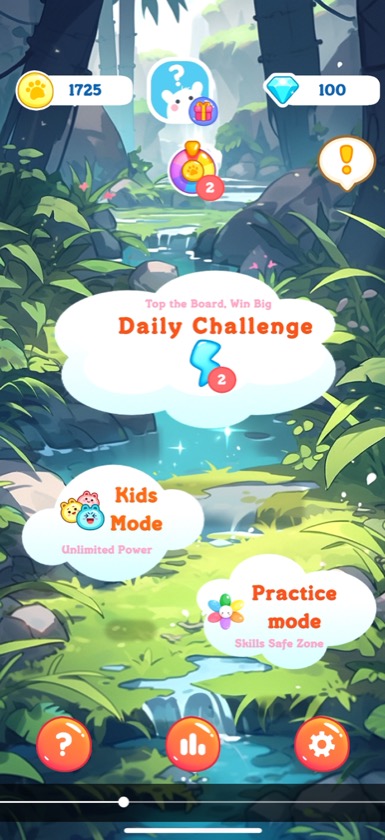
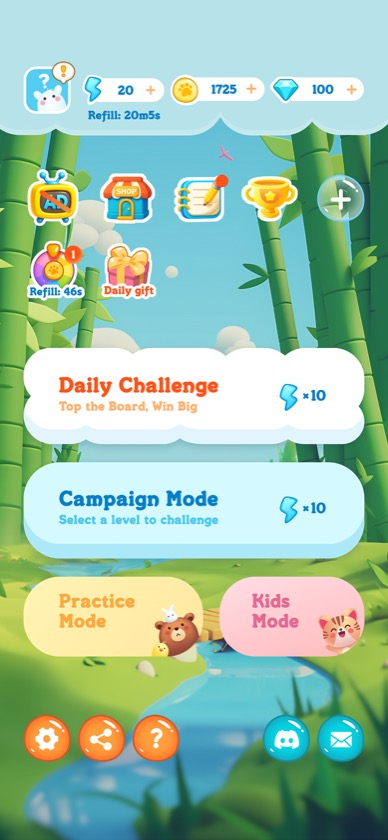
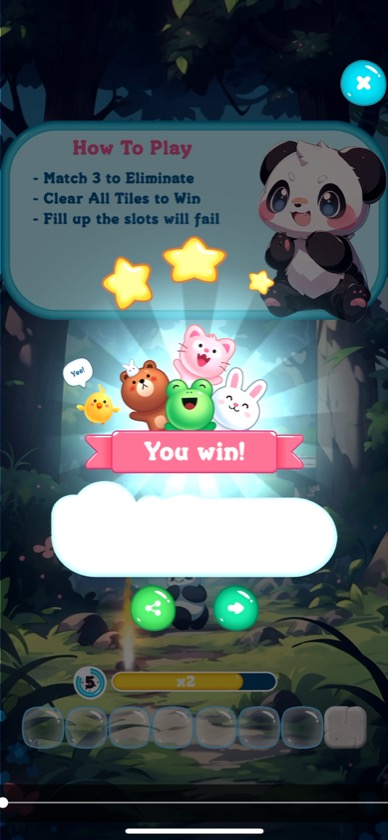
Panda Wonderland offers four distinct play modes — each designed for a different type of player engagement, from competitive daily races to relaxed practice sessions. Players tap tiles to collect them into the bottom tray — match 3 of the same animal to eliminate them. Power-up skills like undo, shuffle, and search help players navigate tricky boards.
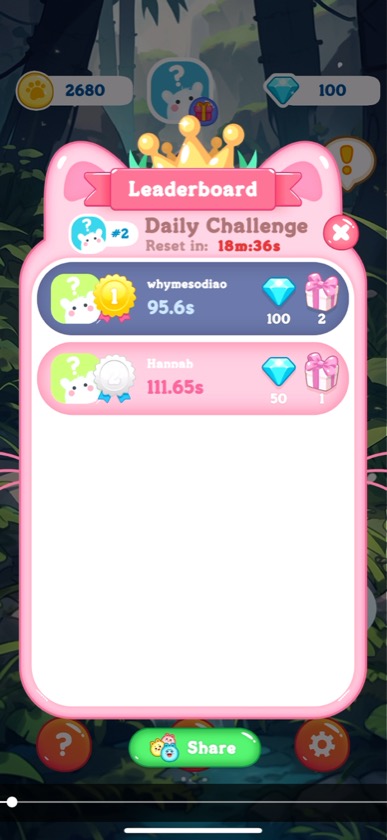
Compete on the global leaderboard every day with a fresh random board. Top the board to win diamonds and loot boxes.
Progress through themed levels with increasing difficulty, unlocking new character avatars as rewards along the way.
Unlimited energy practice zone and a kid-friendly mode with simpler boards and no competitive pressure.
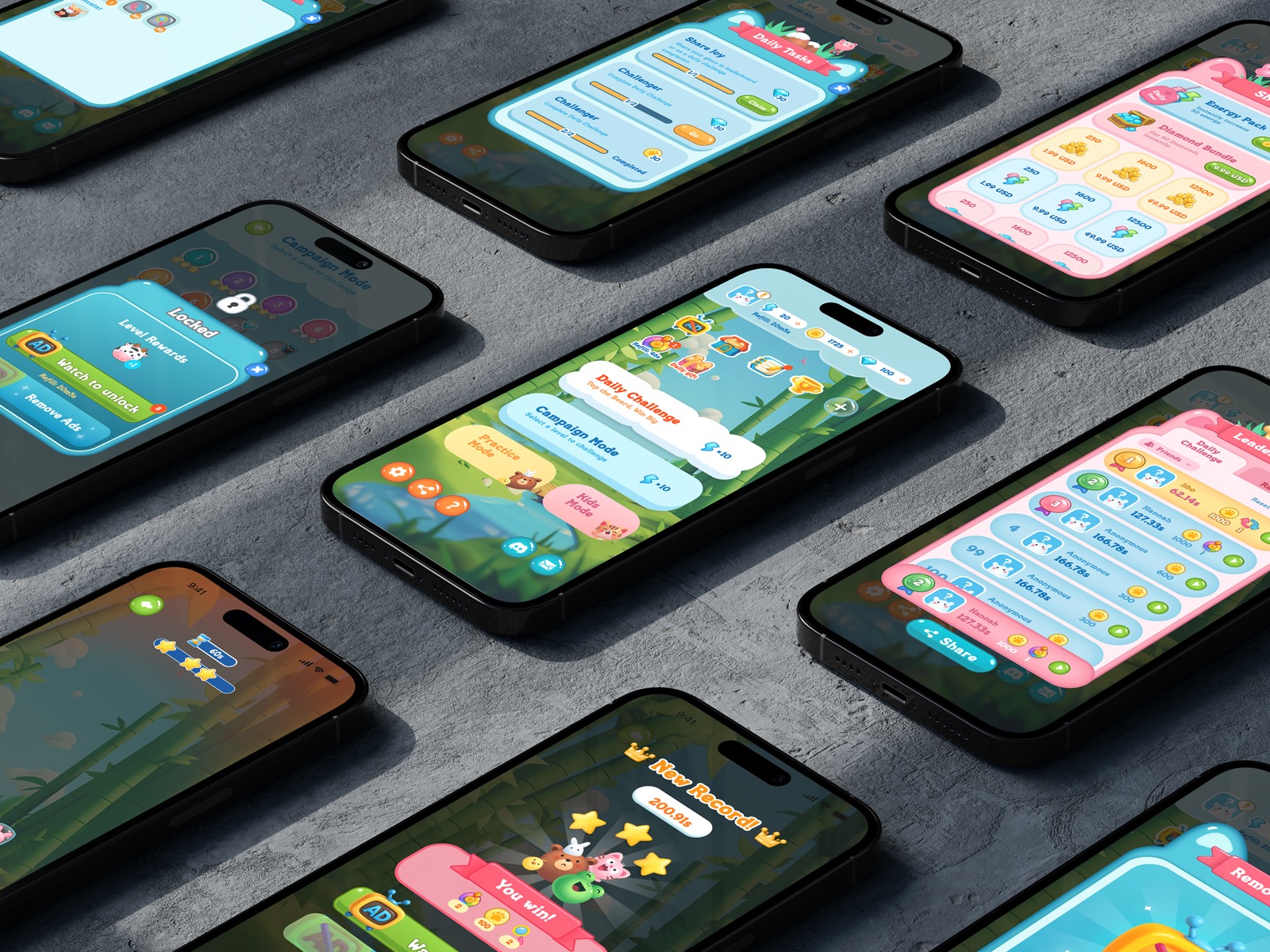
The game went through a comprehensive visual redesign to improve clarity, hierarchy, and delight. Every major screen was reworked — from gameplay UI to the home page, settlement, leaderboard, and daily tasks.
Redesigned the in-game interface with clearer tile visuals, improved skill bar layout, and a more polished board presentation.
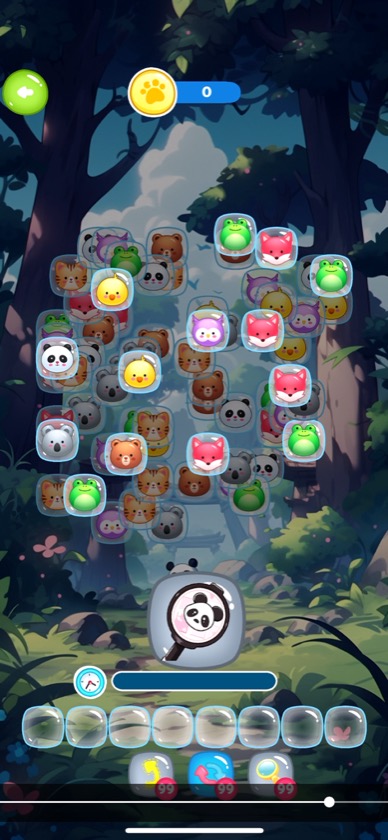
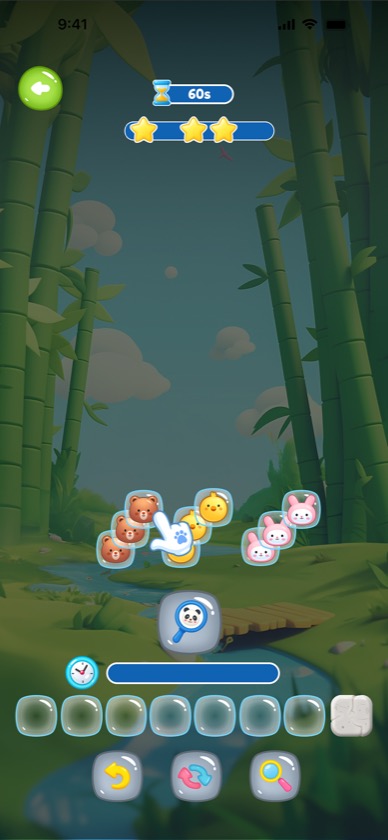
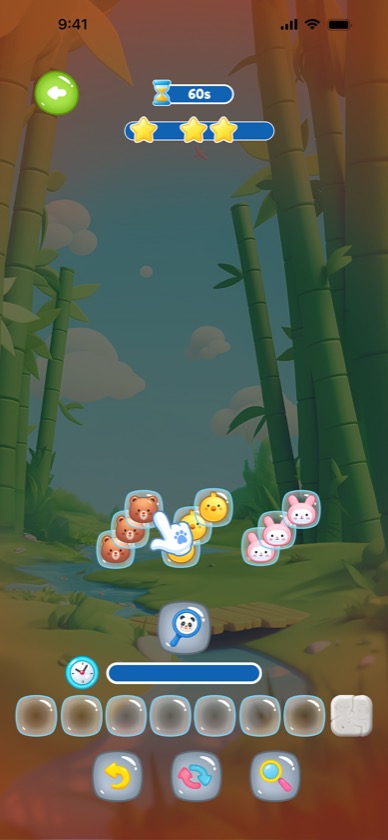
Reorganized the home screen with clearer mode entry points, better visual hierarchy for game modes, and a more inviting bamboo forest backdrop.
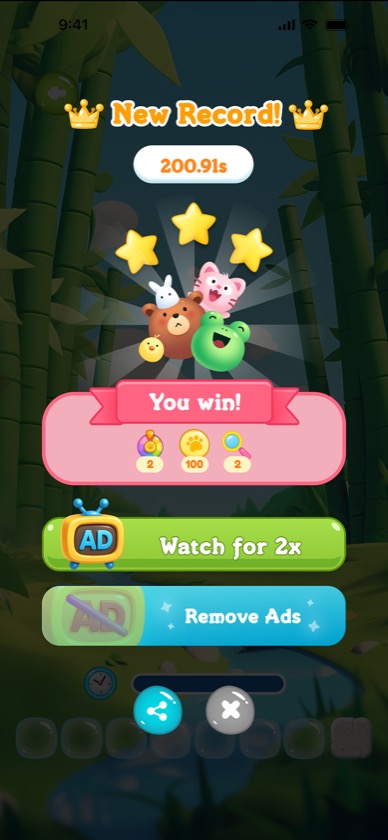
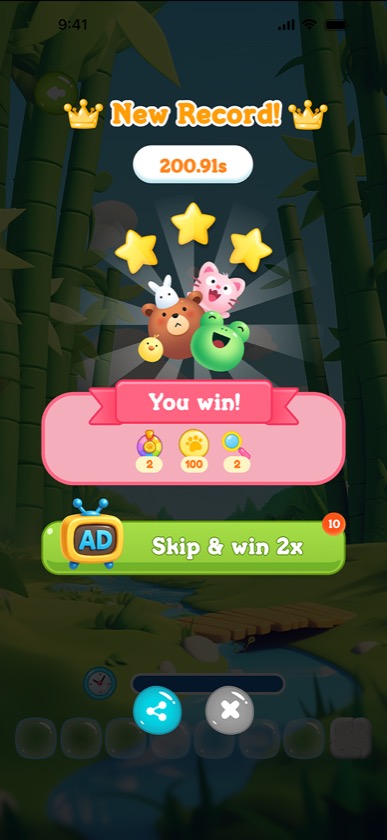
Streamlined the win screen with a cleaner reward display, prominent ad-skip option, and better celebration visuals.
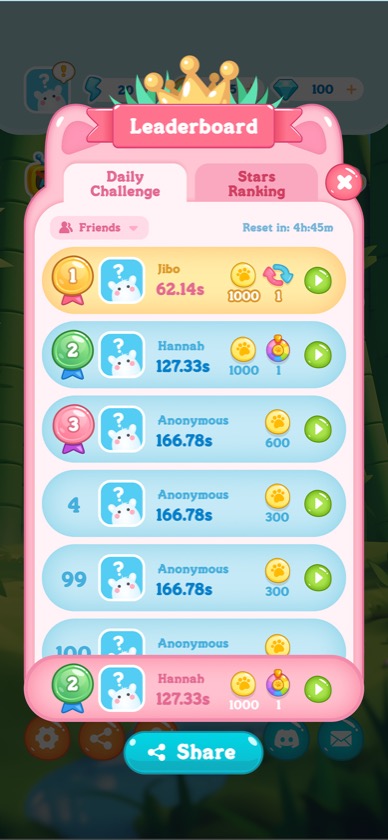
Redesigned the leaderboard with tabbed navigation (Daily Challenge / Stars Ranking), friends filter, and a more readable ranking card layout with medal badges.
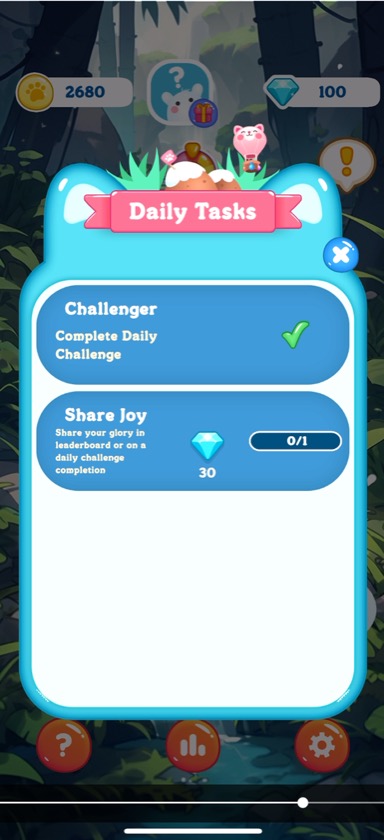
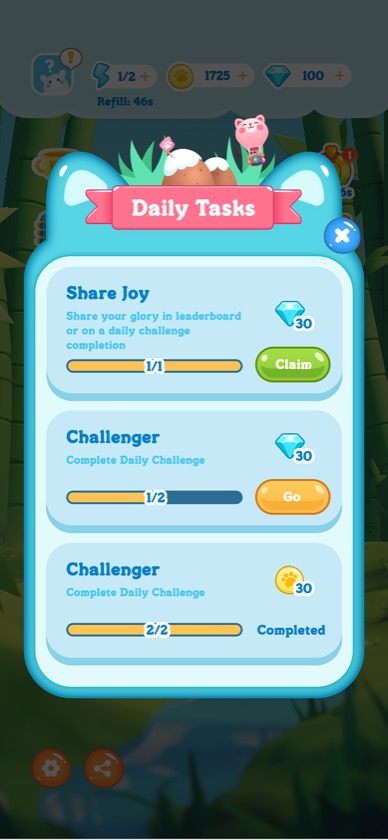
Redesigned task cards with progress bars, claim/go action buttons, and clearer reward icons to drive daily engagement loops.
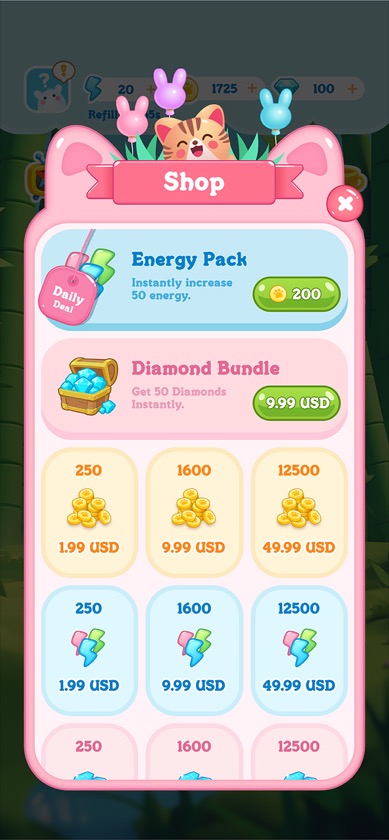
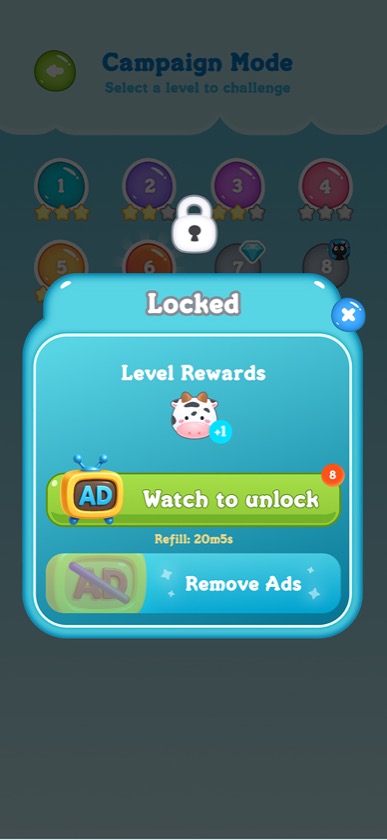
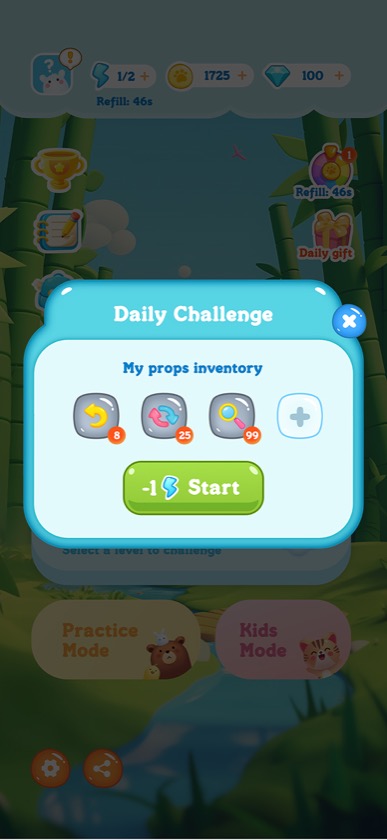
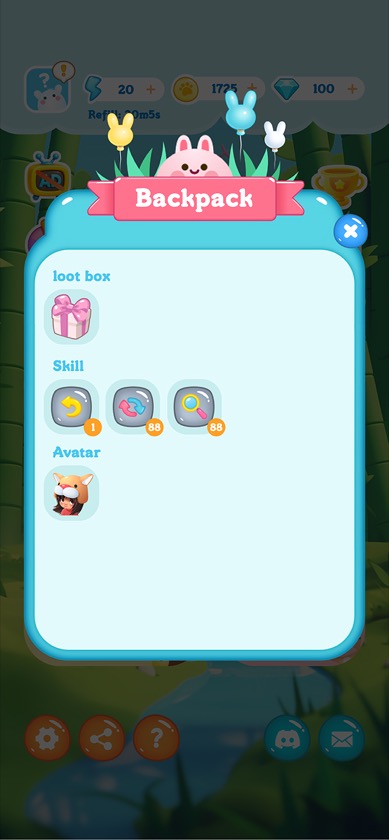
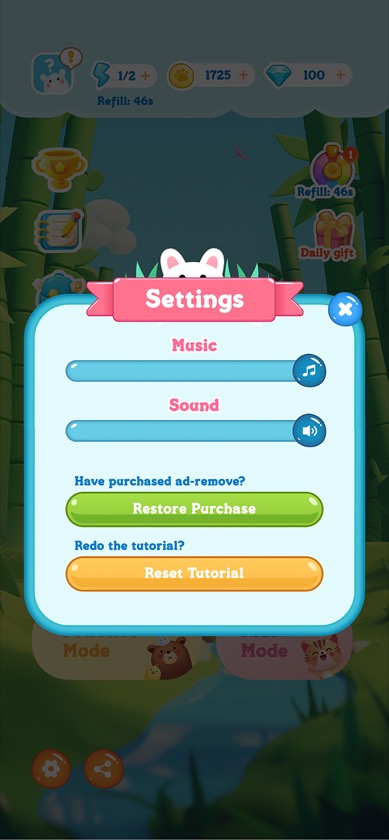
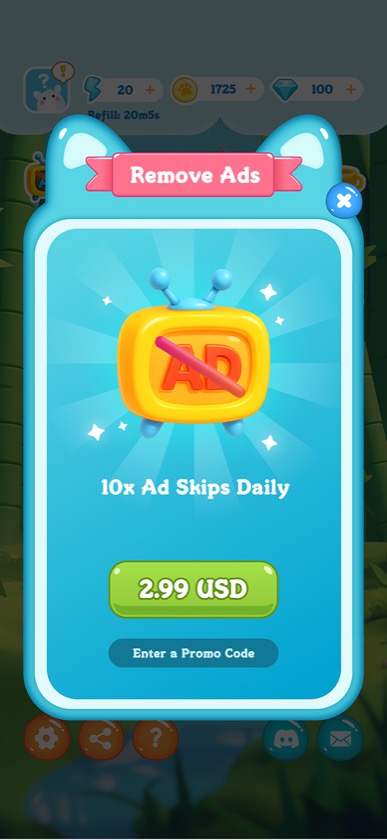
Additional screens covering the full game experience — from the in-app shop and campaign level select to navigation, backpack inventory, settings, and ad-removal purchase flow.
As the sole UI/UX designer on a two-person team, I served as the bridge between product vision and technical execution. I worked closely with the founder to translate business goals and feature requests into concrete design specs — iterating on wireframes and high-fidelity mockups until every detail was aligned.
On the development side, I maintained ongoing communication with the Unity engineer to ensure pixel-accurate implementation. This included preparing detailed annotation documents covering spacing, color values, interaction states, and animation timing — then reviewing each build in Unity to catch discrepancies before release. The tight feedback loop between design and development was key to shipping a polished product on a lean team.