On-device Vision
not a cloud OCR API
Capture works in a subway station, nothing is uploaded, and v1 shipped without a server.
gainedPrivate & offline
gave upRaw accuracy
 iOS App · Live on the App Store
Photograph letters in the wild. Compose them back into type you own.
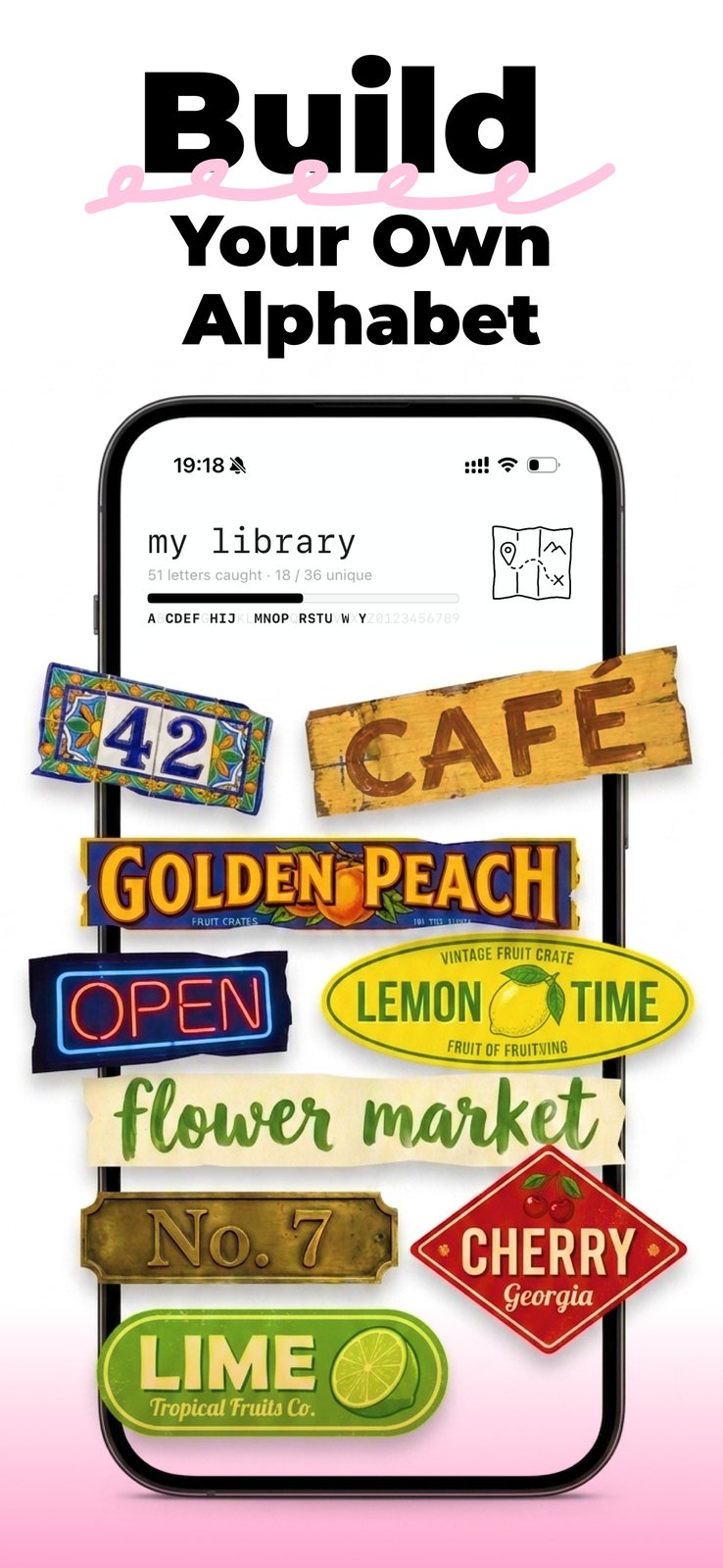
FoundType turns the letters you photograph in the street into a personal A–Z library — each glyph cut out on device, filed by character, tagged with where and when you caught it. Then you compose them back into Reels videos, ransom notes and word walls: typography made entirely out of places you've been.
Photographing found type is already a habit. The camera roll is where it dies — buried in thousands of unrelated shots, never sorted by character, impossible to make anything from. Font-identification apps answer what typeface is this. Nobody answered what can I build from what I collected.
4,812 photos deep
Unsorted, unsearchable, and nothing you can build with.
18 of 36 collected
Every letter filed by character, dated, and pinned to a street.
Three verbs, and the third one sends you back out. Composing a word exposes the letters you're missing, which is what turns a one-off scan into a habit. Every screen exists to keep that circle turning rather than to end it.
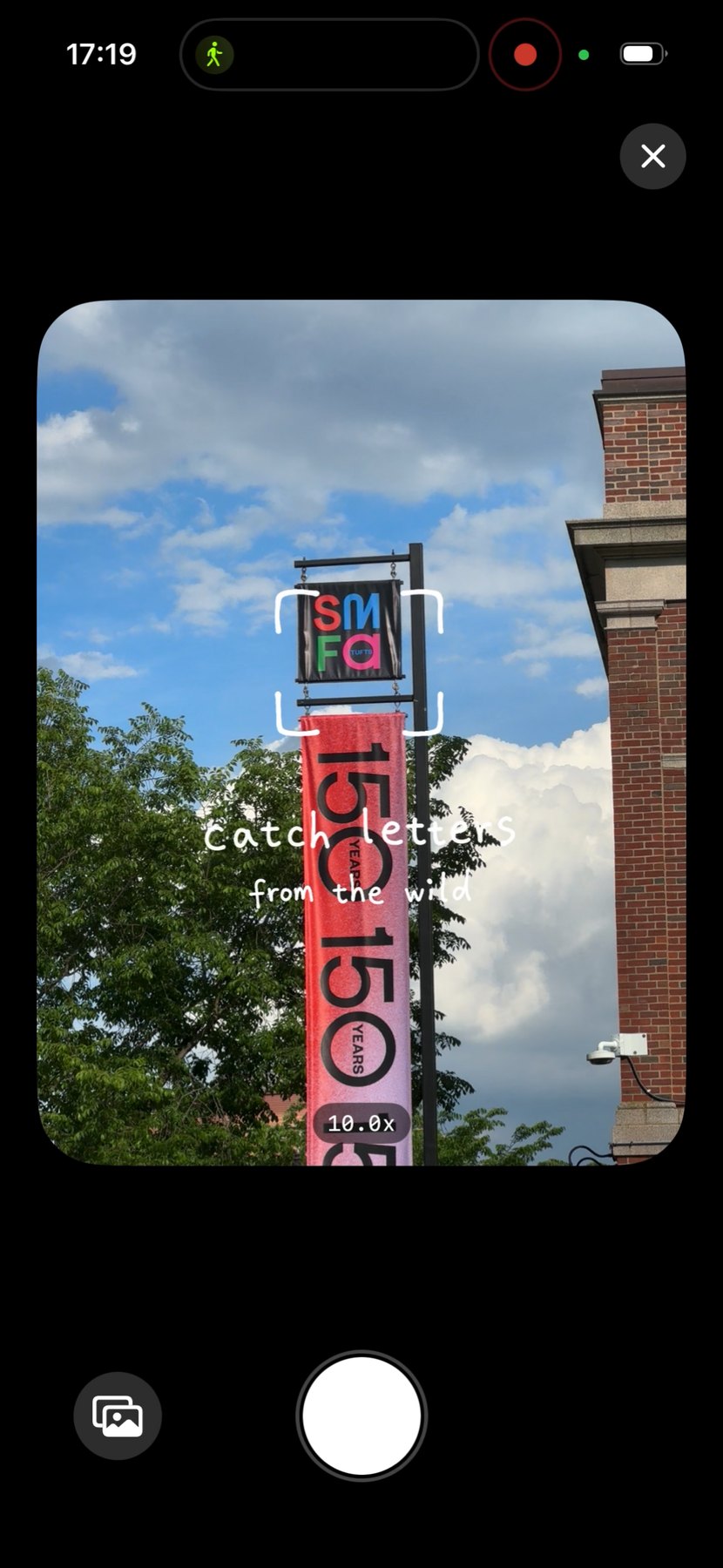
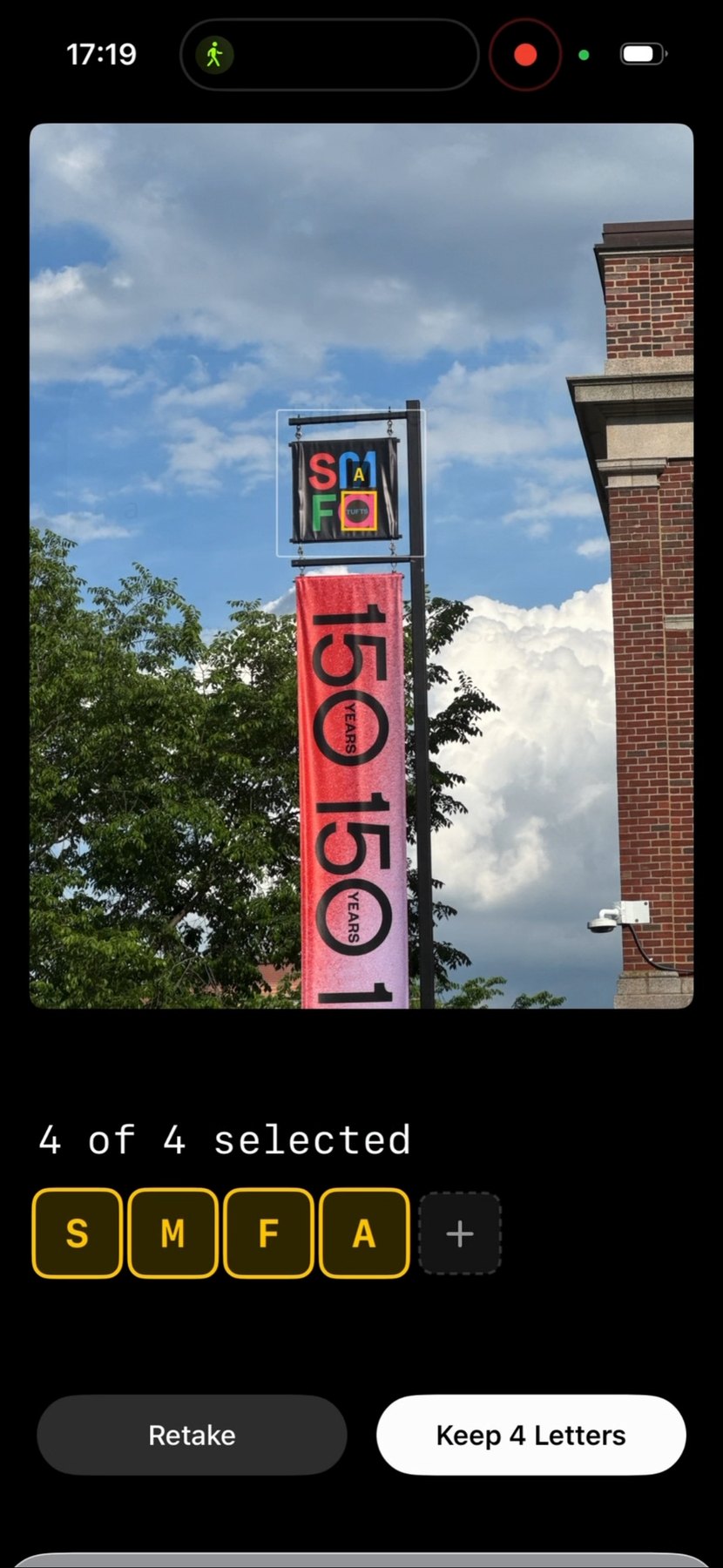
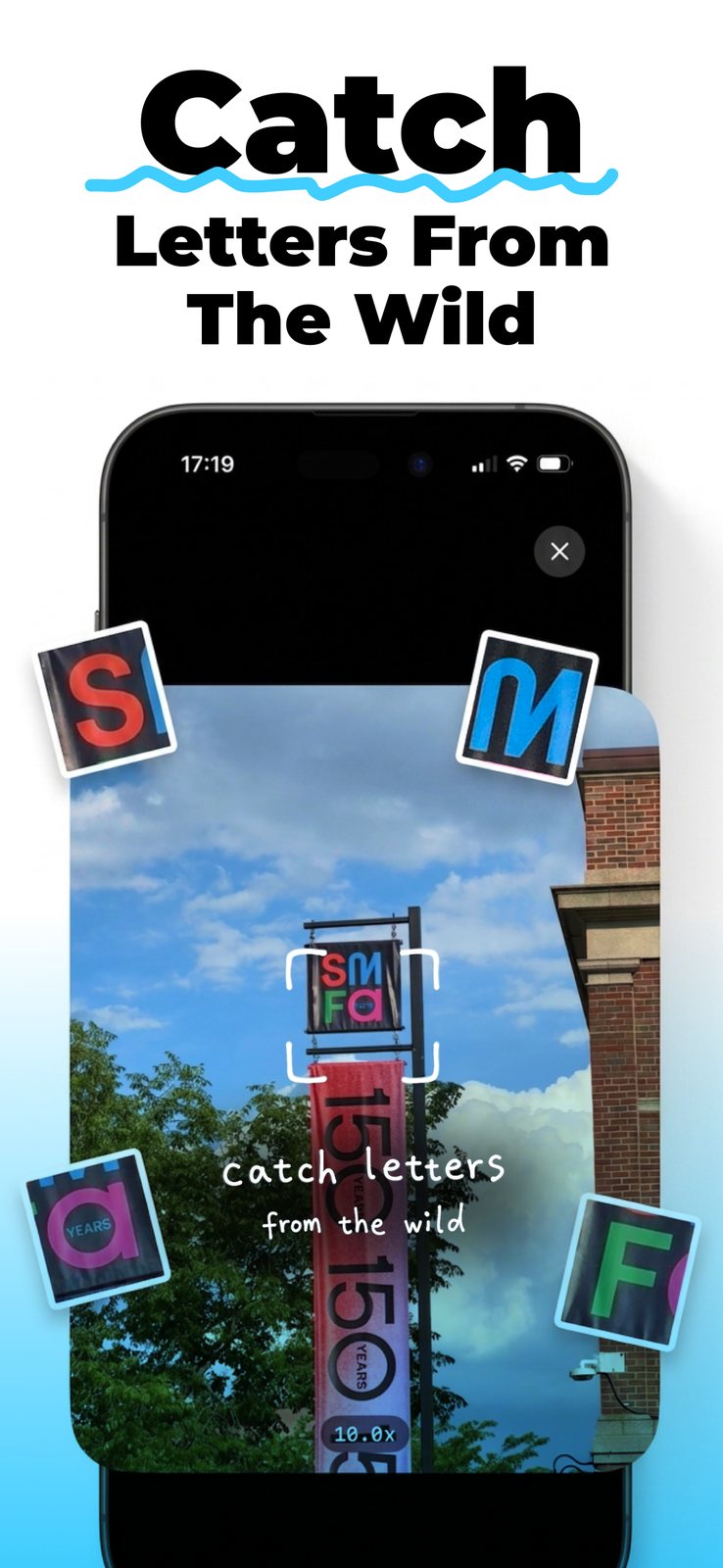
Vision outlines each glyph live; you tap the keepers or draw your own box.
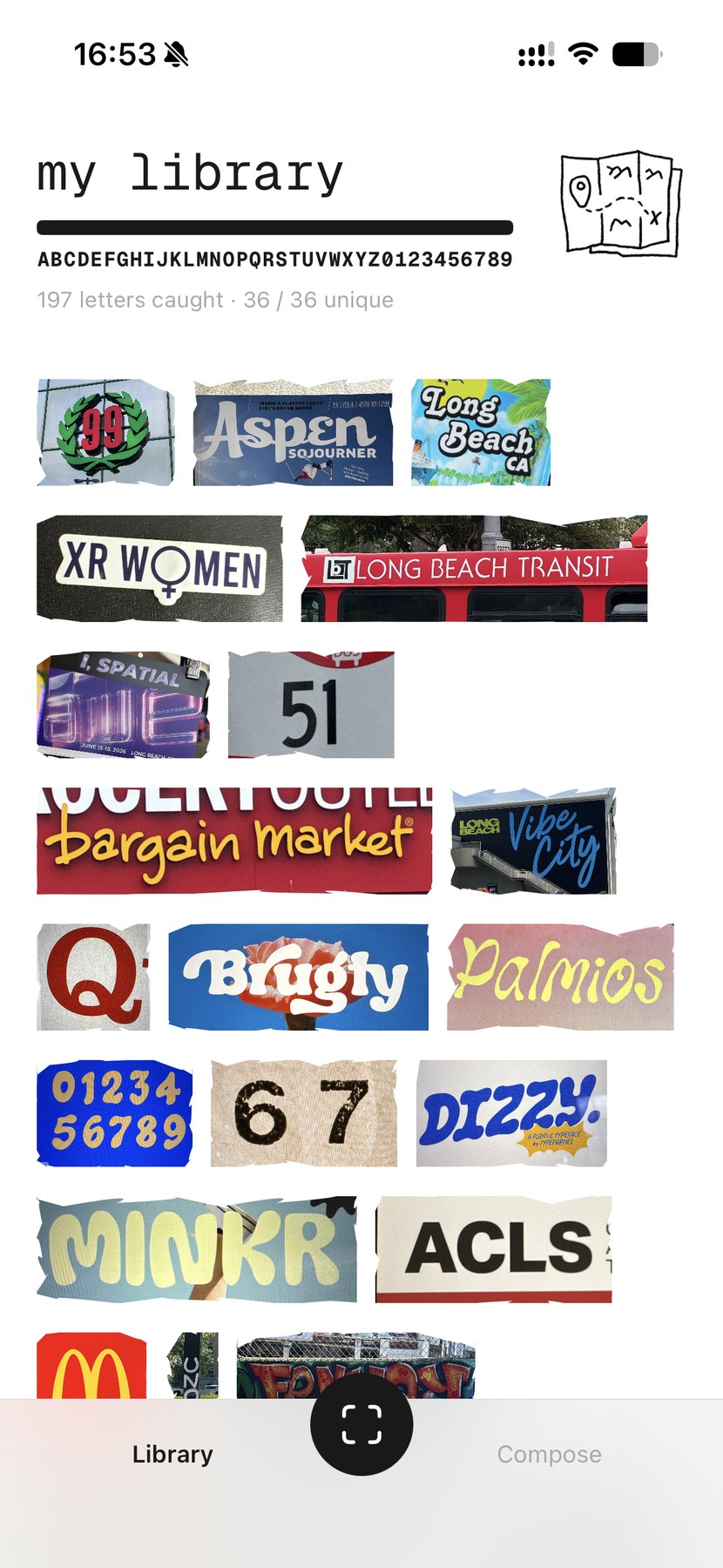
Sorted A–Z with the original photo, the date and an optional map pin.
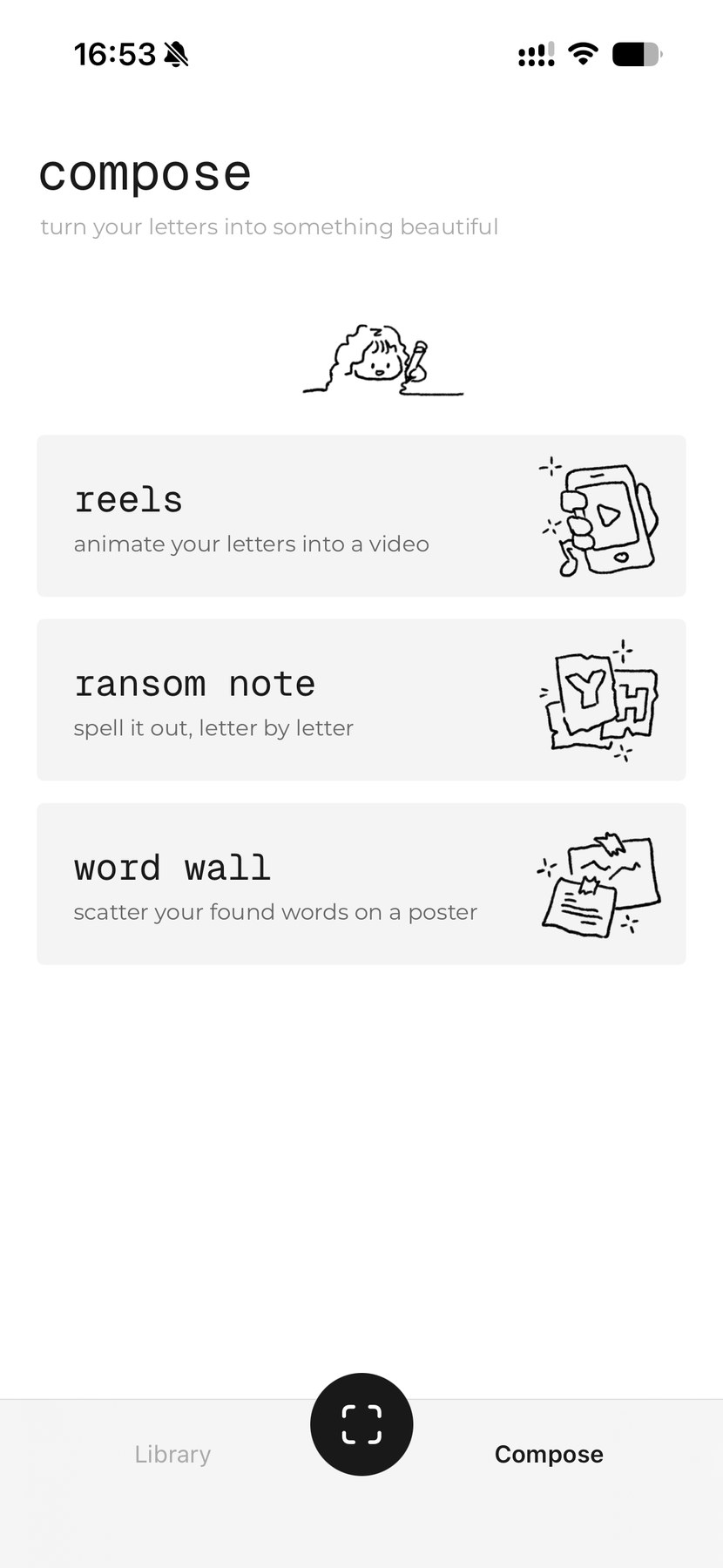
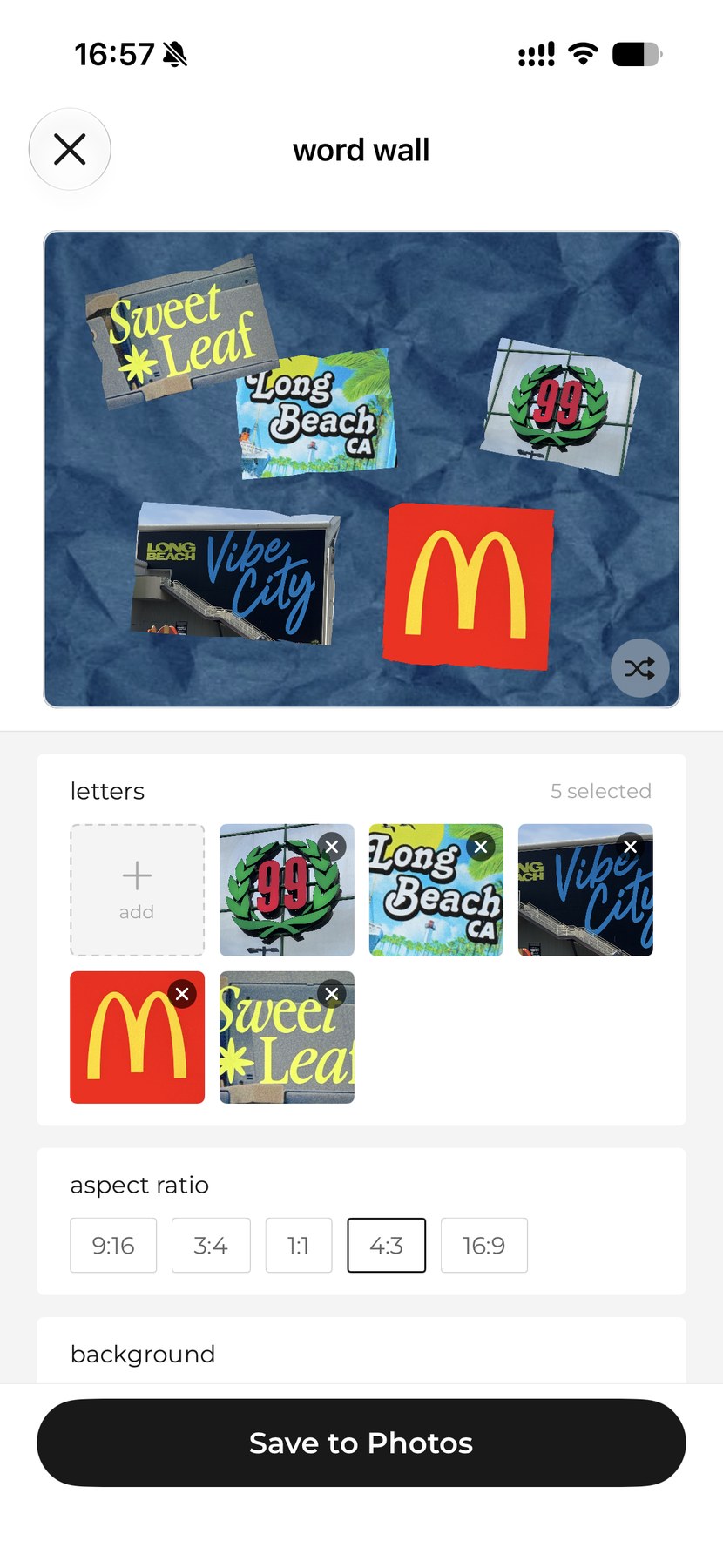
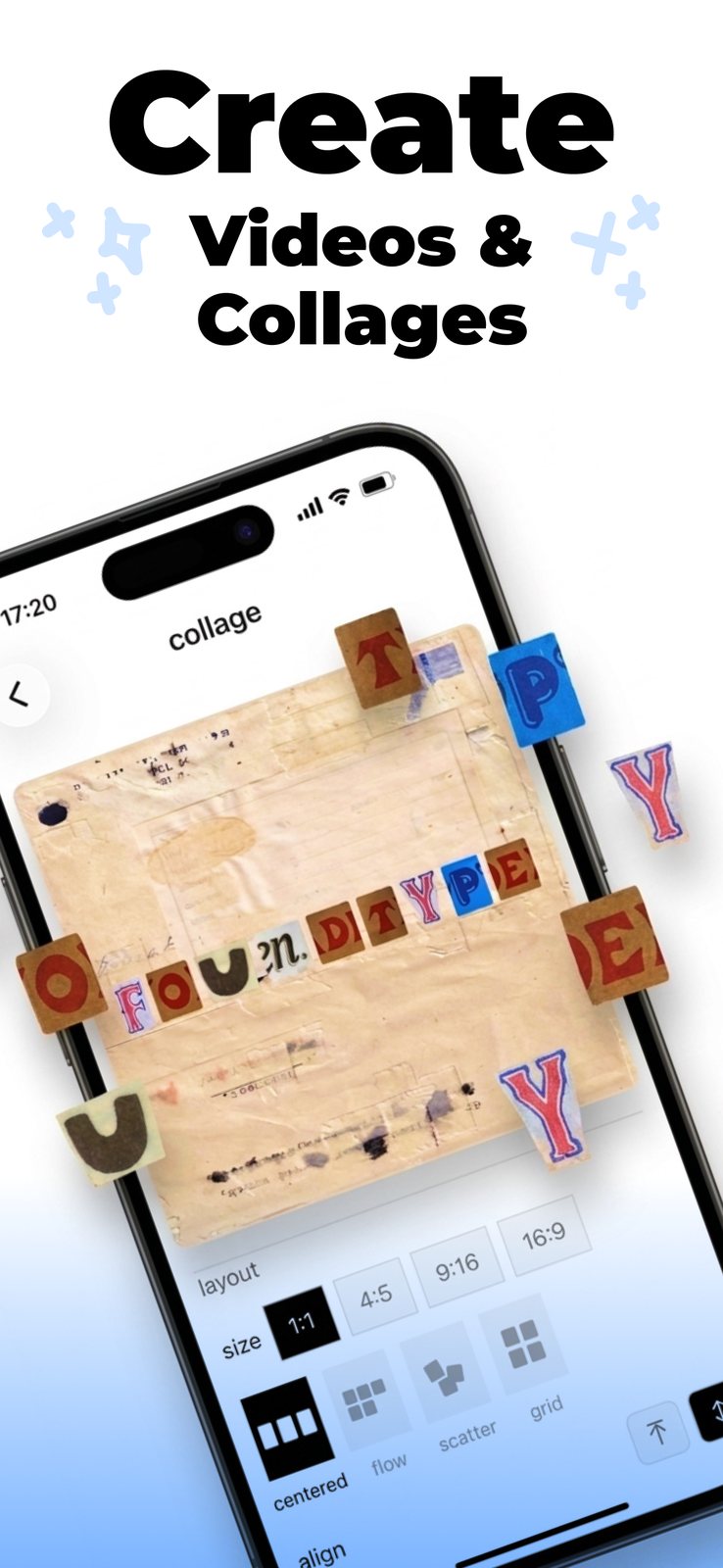
Export it as a Reels video, a ransom note or a word wall.
v1, on the App Store — the complete loop from capture to export.
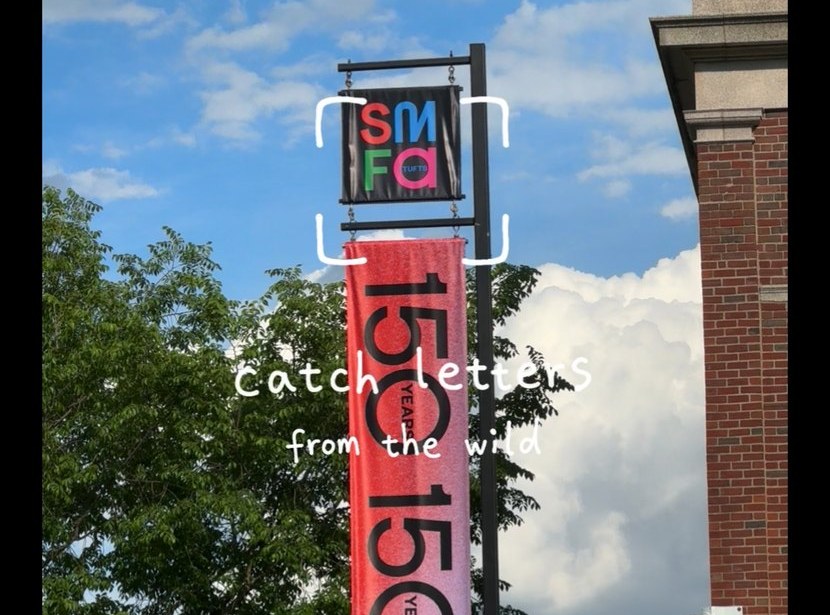
On-device OCR outlines every glyph in the viewfinder in real time, with perspective-corrected boxes for letters shot at an angle.
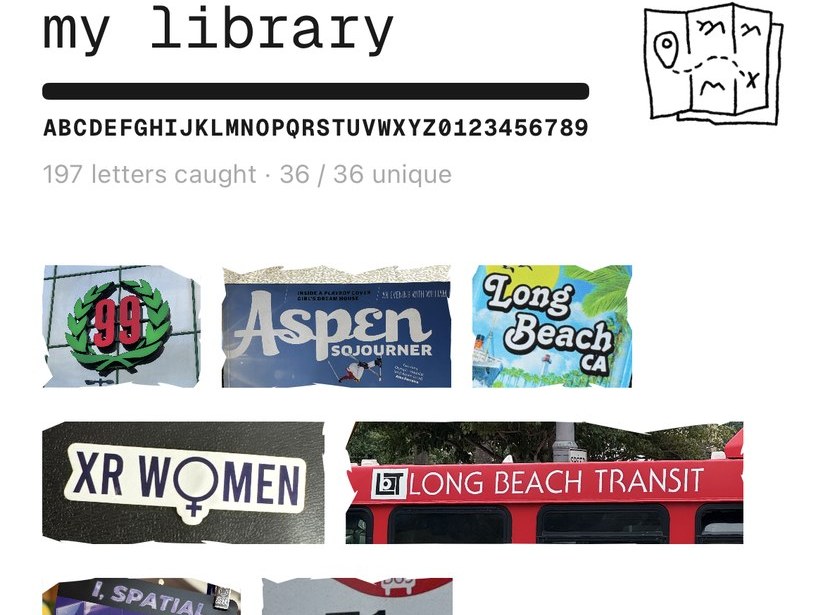
The library doubles as a scoreboard: 26 letters plus 10 digits, with a completion moment when you close the set.
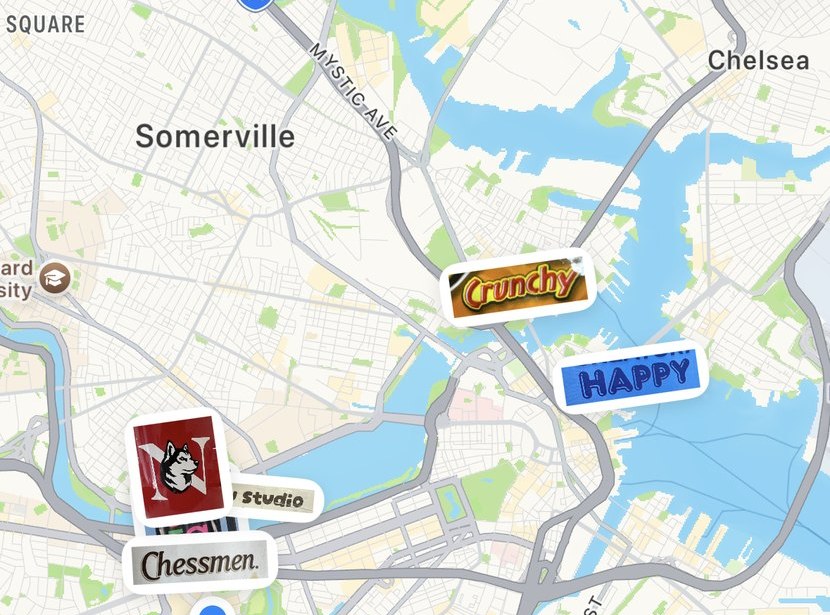
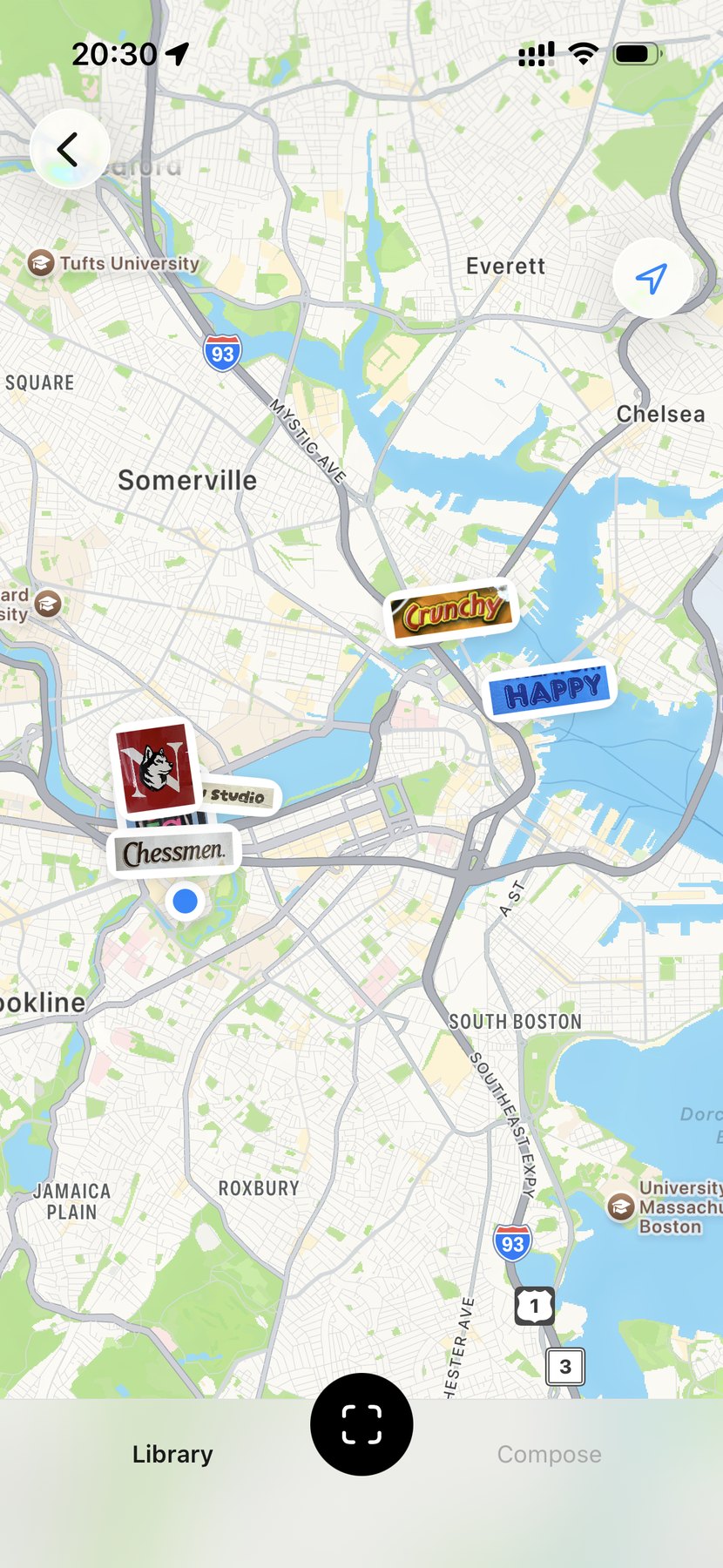
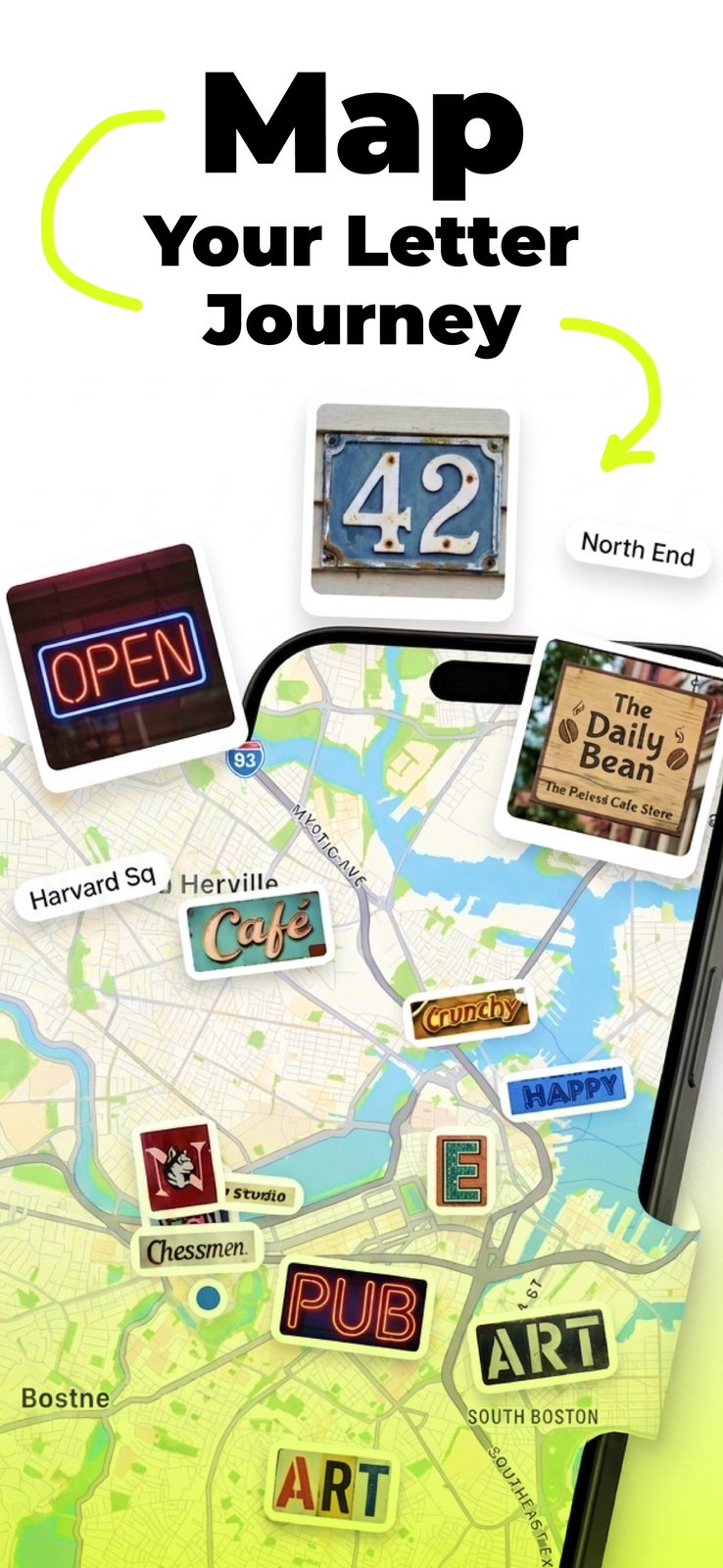
Every catch can drop a pin, turning the collection into a travel record of the streets you found it on.
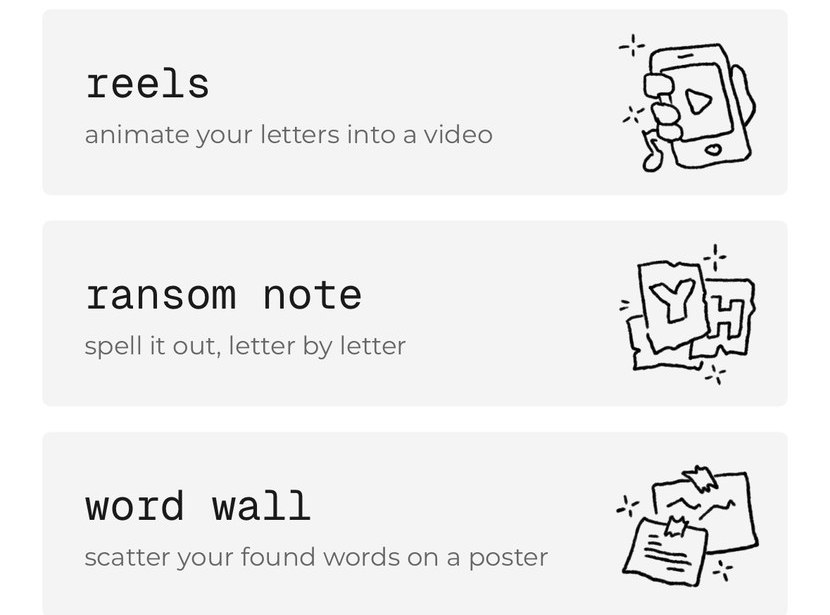
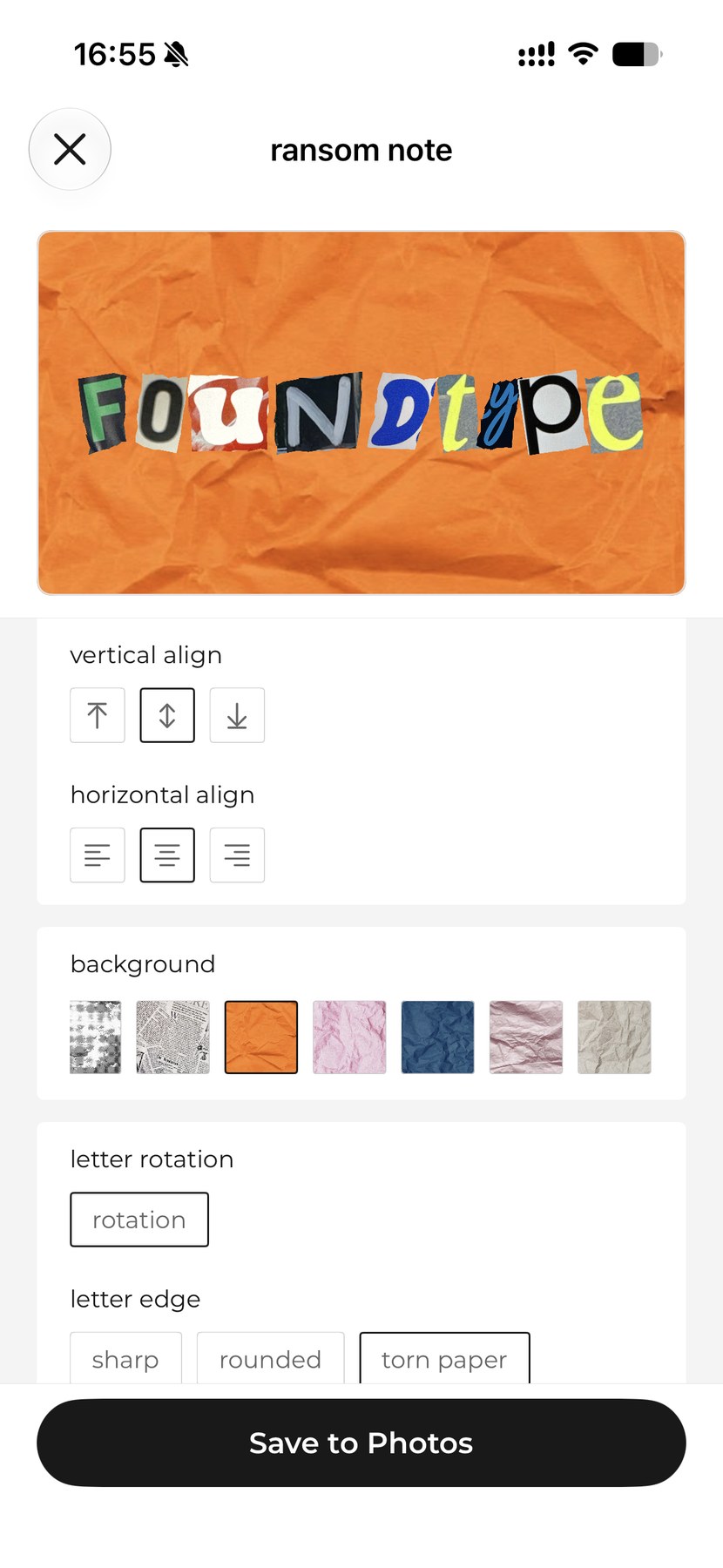
Reels video, ransom note and word wall, each exporting across five aspect ratios.
The interface is the frame. The user's letters are the art.
So the chrome is monochrome and set in lowercase Geist Mono. Coral is reserved for progress — nothing else gets to use it.
No backend, no account. Every frame stays on the device from capture to export — the six stages below are the whole of it.
AVCaptureVideoDataOutput
VNRecognizeTextRequest
CIPerspectiveCorrection
VNGenerateForegroundInstanceMaskRequest
Core Data + CloudKit
AVAssetWriter
SwiftUI · MVVM · all Vision work off the main thread, cancellable
Camera-first launch, with a confirmation step before anything is saved.
Sorted A–Z with a progress bar. Open a find to see its letters, where it came from and when.
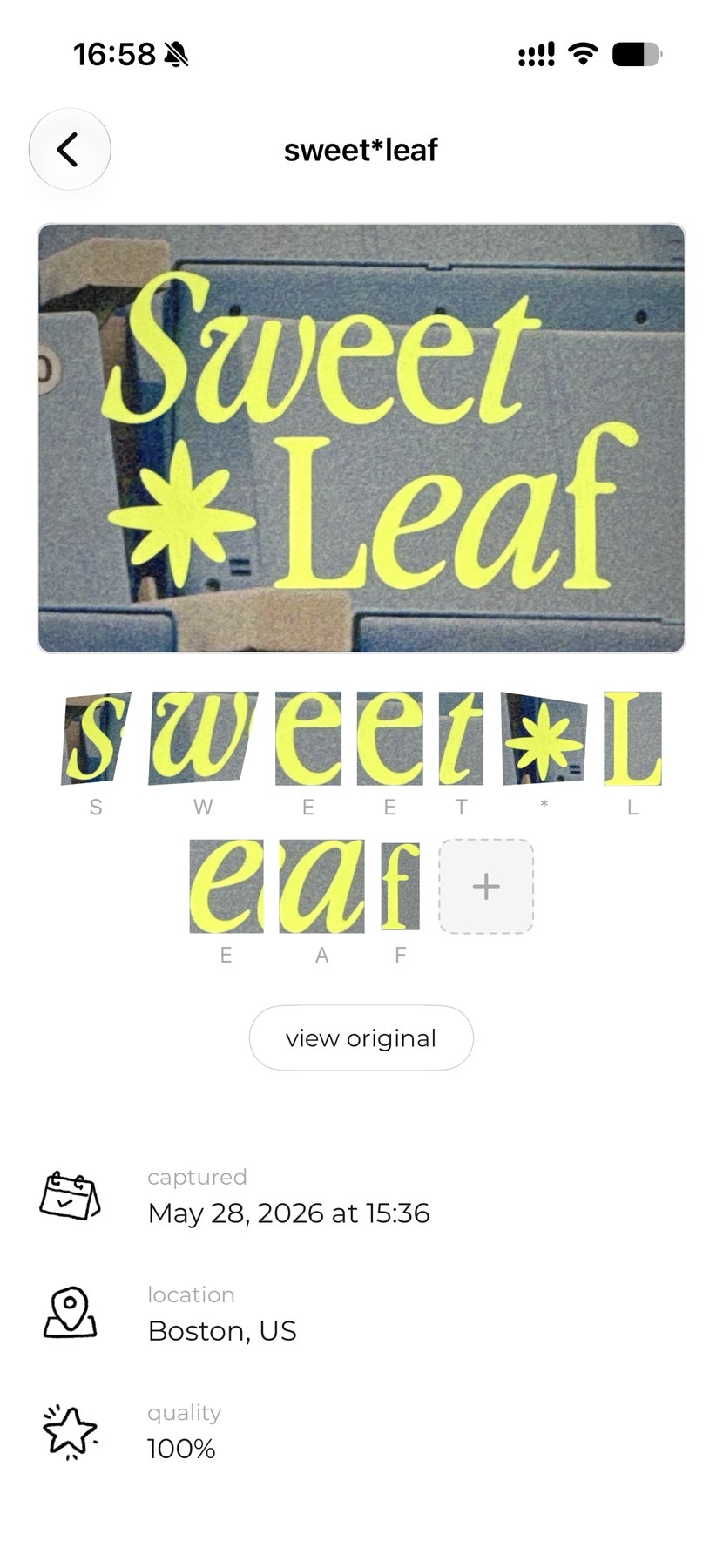
Pick a mode — reels, ransom note, word wall — then tune the layout and save straight to Photos.
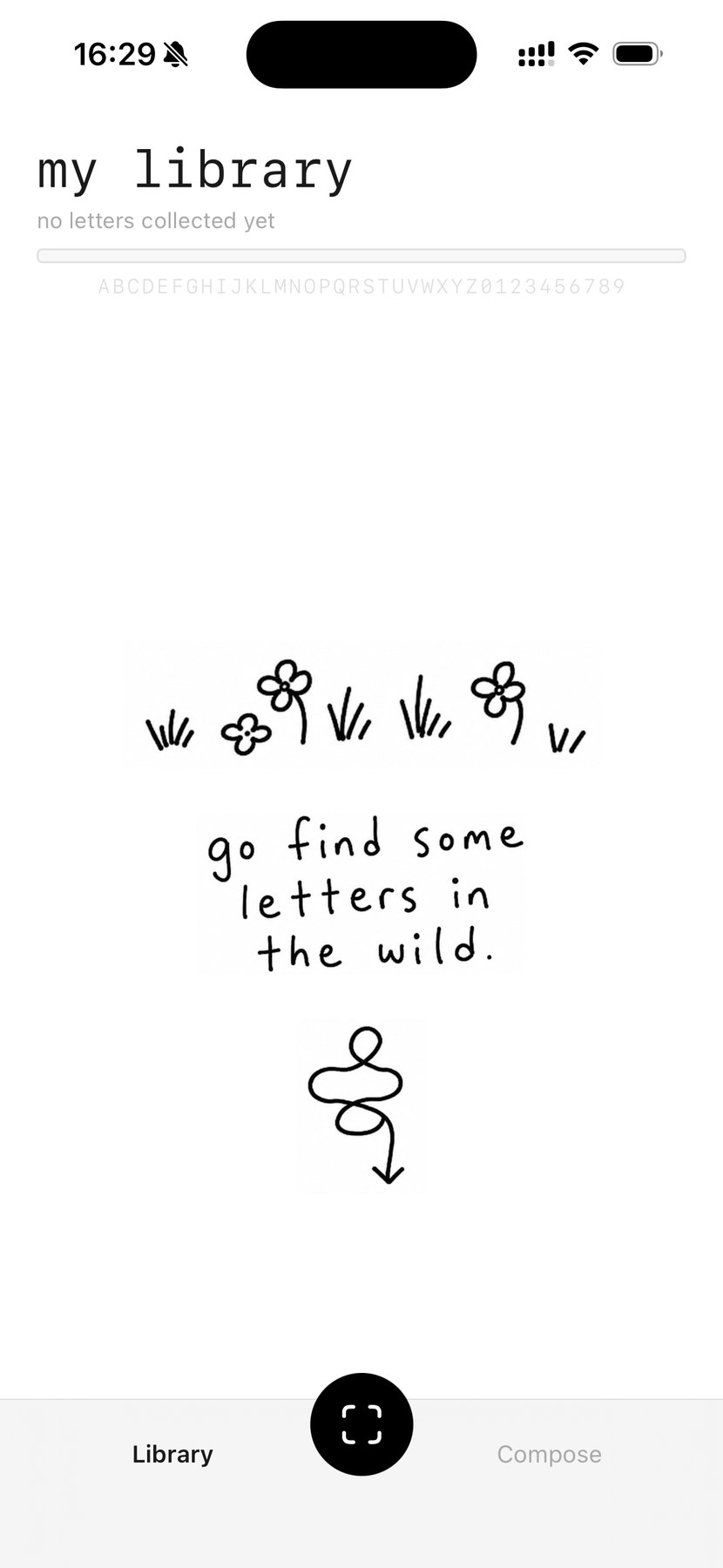
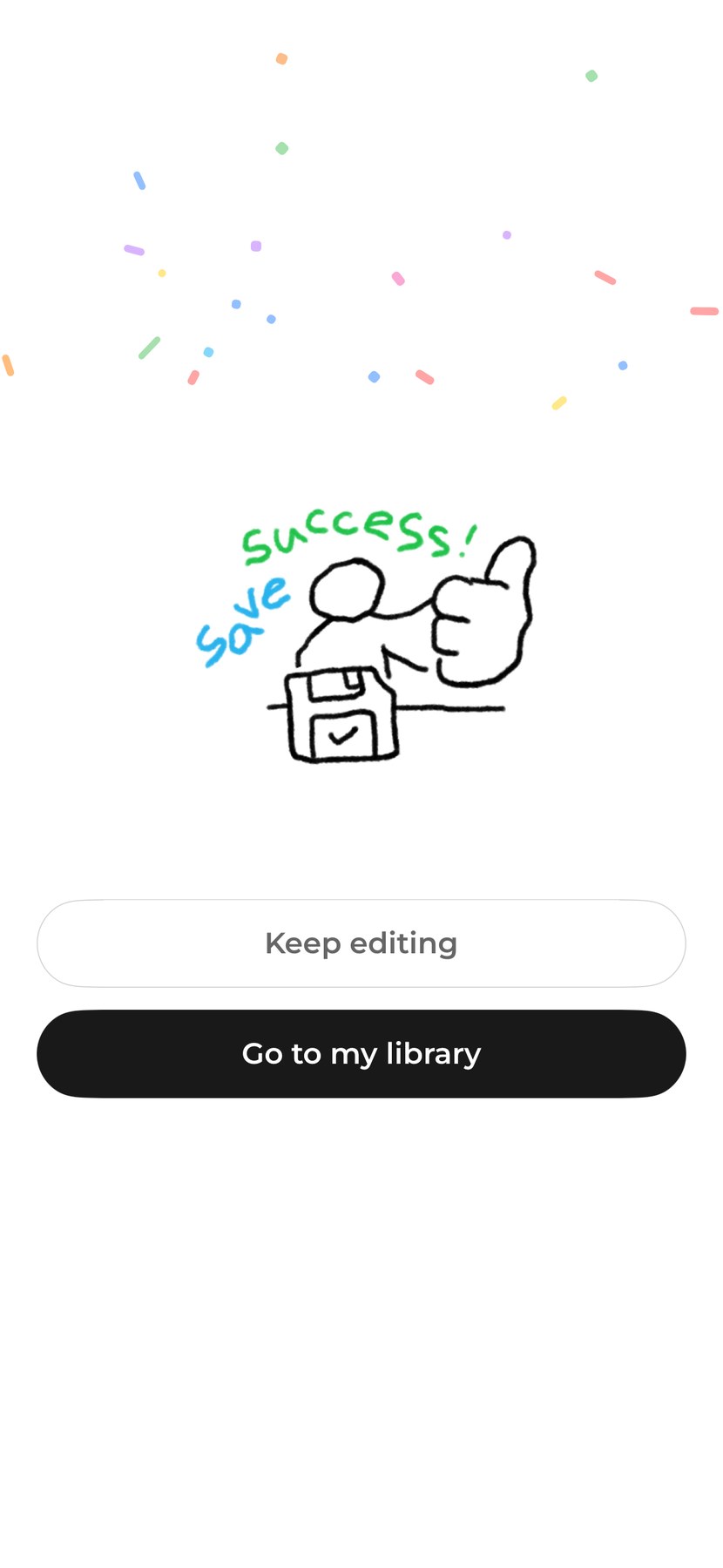
Cold start and first export decide whether anyone comes back, so both get a drawing rather than a spinner.
I wrote and art-directed the listing. Every letter in the mockups is a real catch from my own library. See it live.
not a cloud OCR API
Capture works in a subway station, nothing is uploaded, and v1 shipped without a server.
gainedPrivate & offline
gave upRaw accuracy
not the cutout alone
The cutout makes composing possible; the original photo is what makes the letter yours.
gainedThe original moment
gave upStorage cost
not fully automatic capture
Boxes stay draggable. A missed letter annoys people far more than a slow one.
gainedControl over every catch
gave upSpeed
not a feed and a follower count
The app opens on the viewfinder. The only thing to look at is what you collected.
gainedTime spent making
gave upEngagement
not “AI-powered scanning”
The UI says “go find some letters in the wild”. The intelligence is invisible on purpose.
gainedA human voice
gave upKeyword reach